 domicco
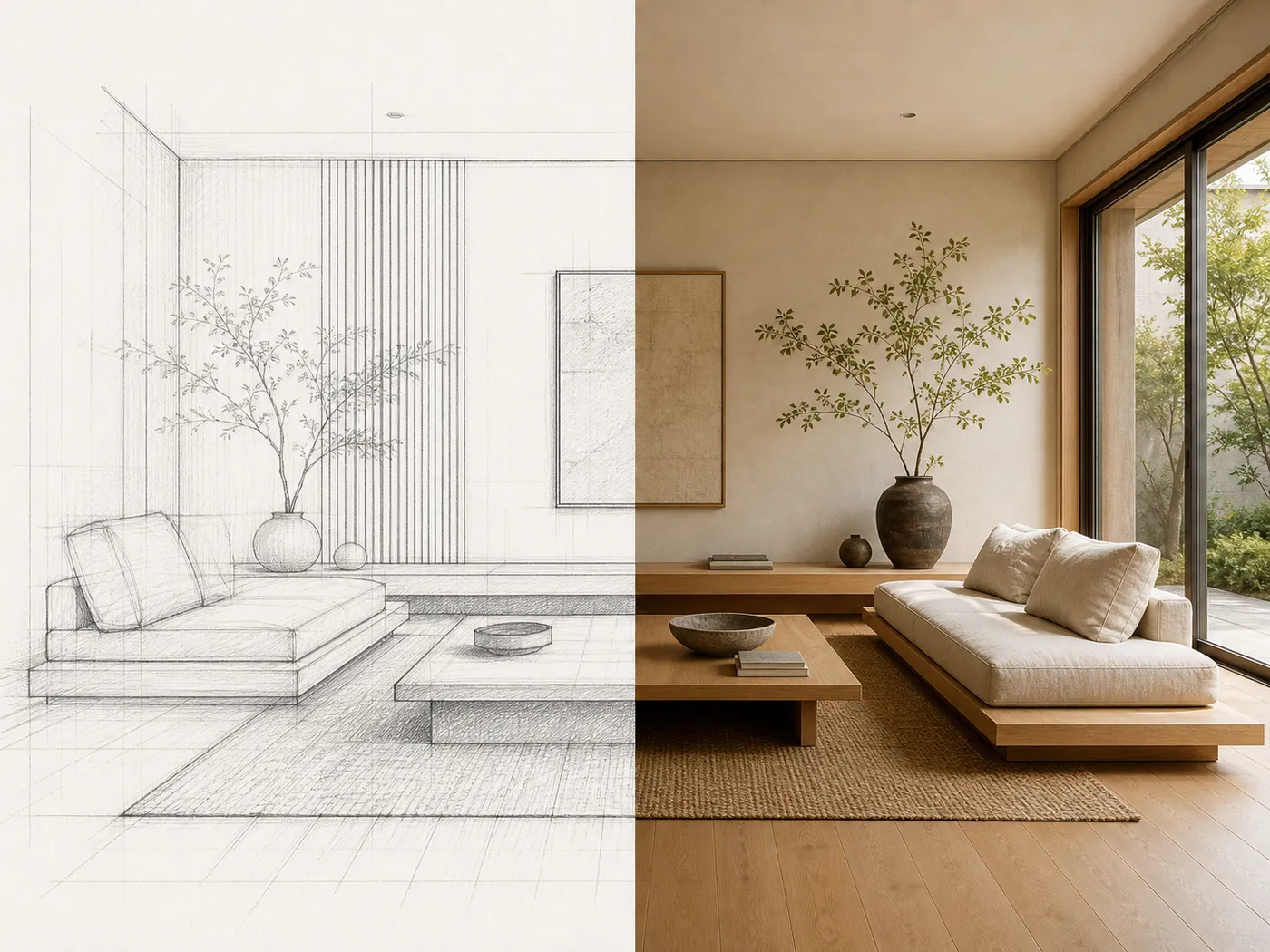
AI Interior Design, before and after
A real result from this tool. Drag the handle, then upload your own.
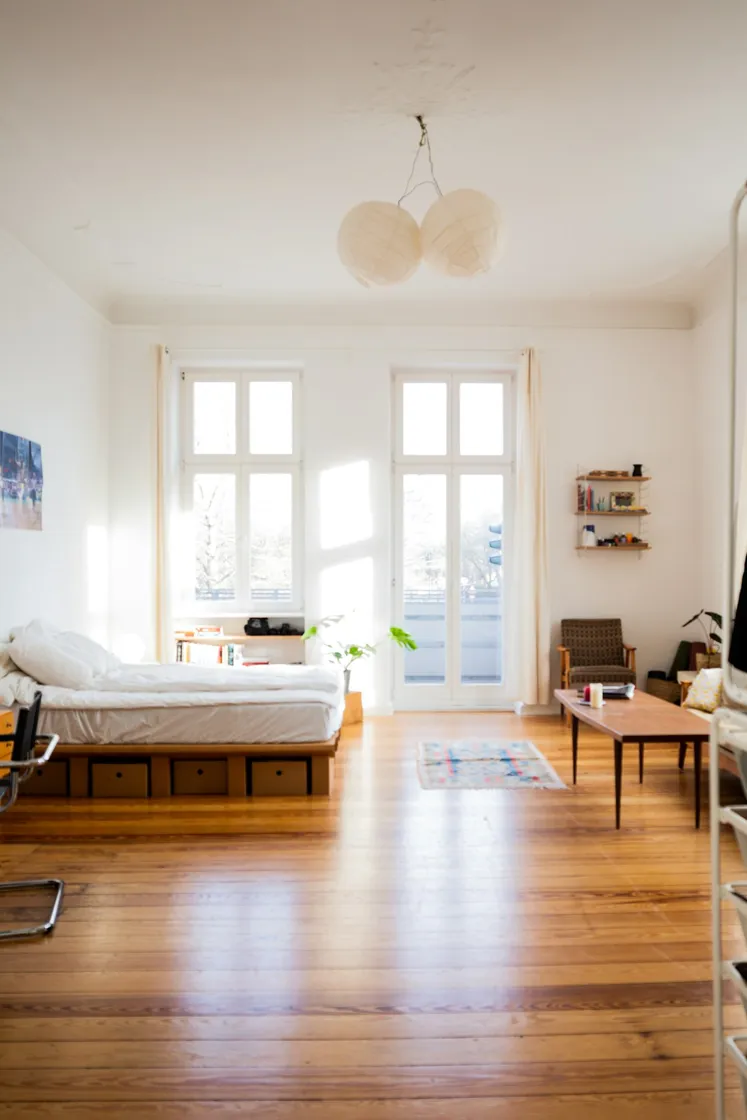
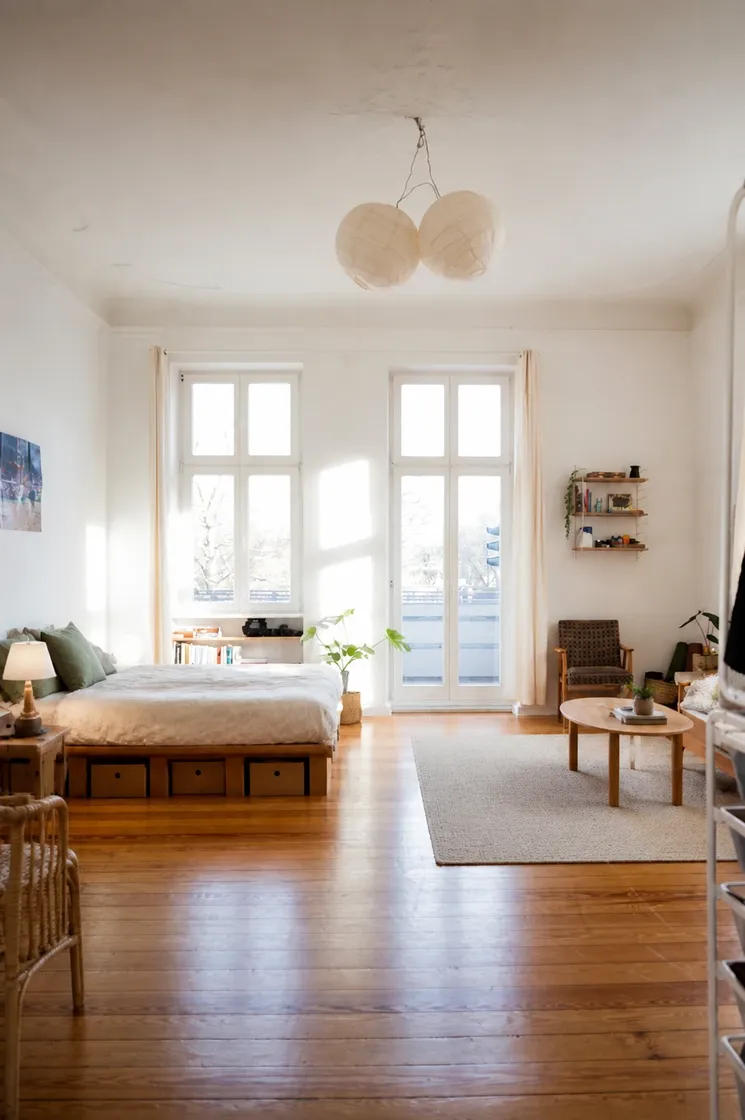
AI interior design from one photo of your room
Restyle the room in your photo. The camera, walls, windows and light stay where they are; only the furnishing changes.
AI room design, from the photo you upload
Upload one photo of the room and pick the room type, or leave it on Auto and the photo is read for you. Eight room types are covered: living room, bedroom, kitchen, dining room, home office, bathroom, basement and nursery.
Add a sentence if something has to stay, and up to four reference photos if you already know the sofa or the palette you want. Run the same upload again in another style whenever you like.
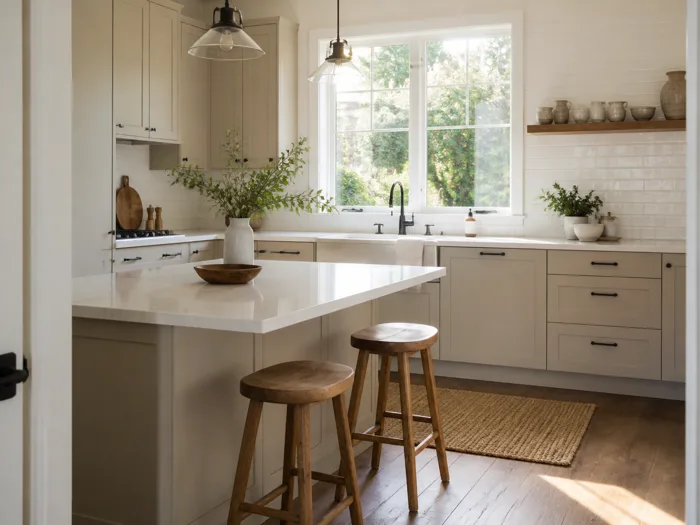
AI kitchen design
Try the kitchen in another style without a renovation. Cabinets, worktops and the window over the sink keep their places; the finish, lighting and styling around them change.
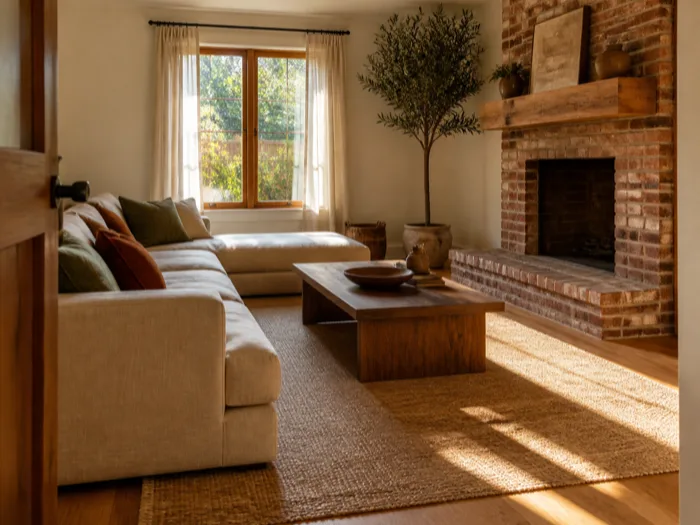
AI living room design
Furnish the living room the way you have been picturing it. Seating is arranged around the fireplace or the window the room already has.
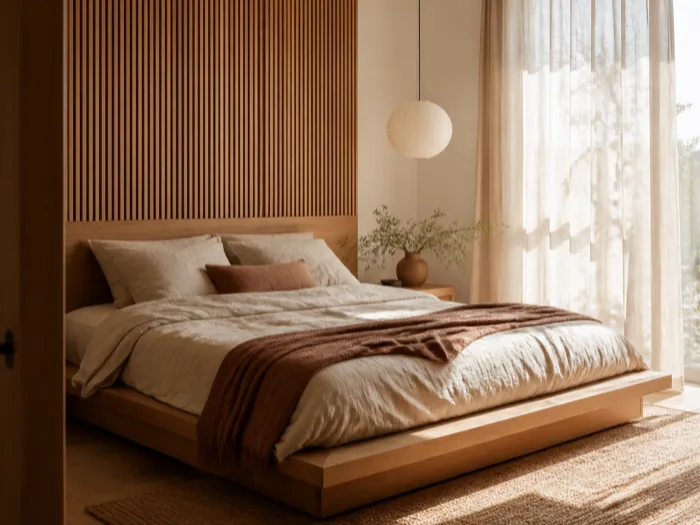
AI bedroom design
See the bedroom in a calmer or warmer look before you buy anything. The bed anchors the layout and the window keeps its light.
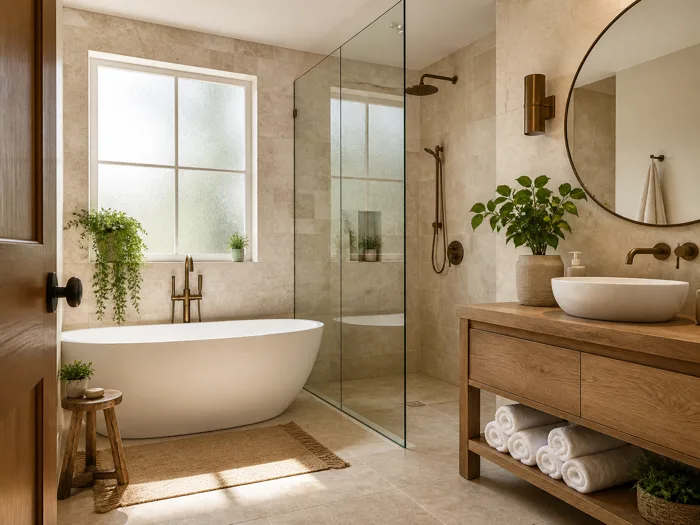
AI bathroom design
Restyle the bathroom without moving a fixture. Towels, vanity styling and lighting change; fixtures keep their plumbing positions.
An AI room decorator for the room you already live in
Say it in plain words: decorate my room, but keep the sofa. Your sentence overrides the style preset.
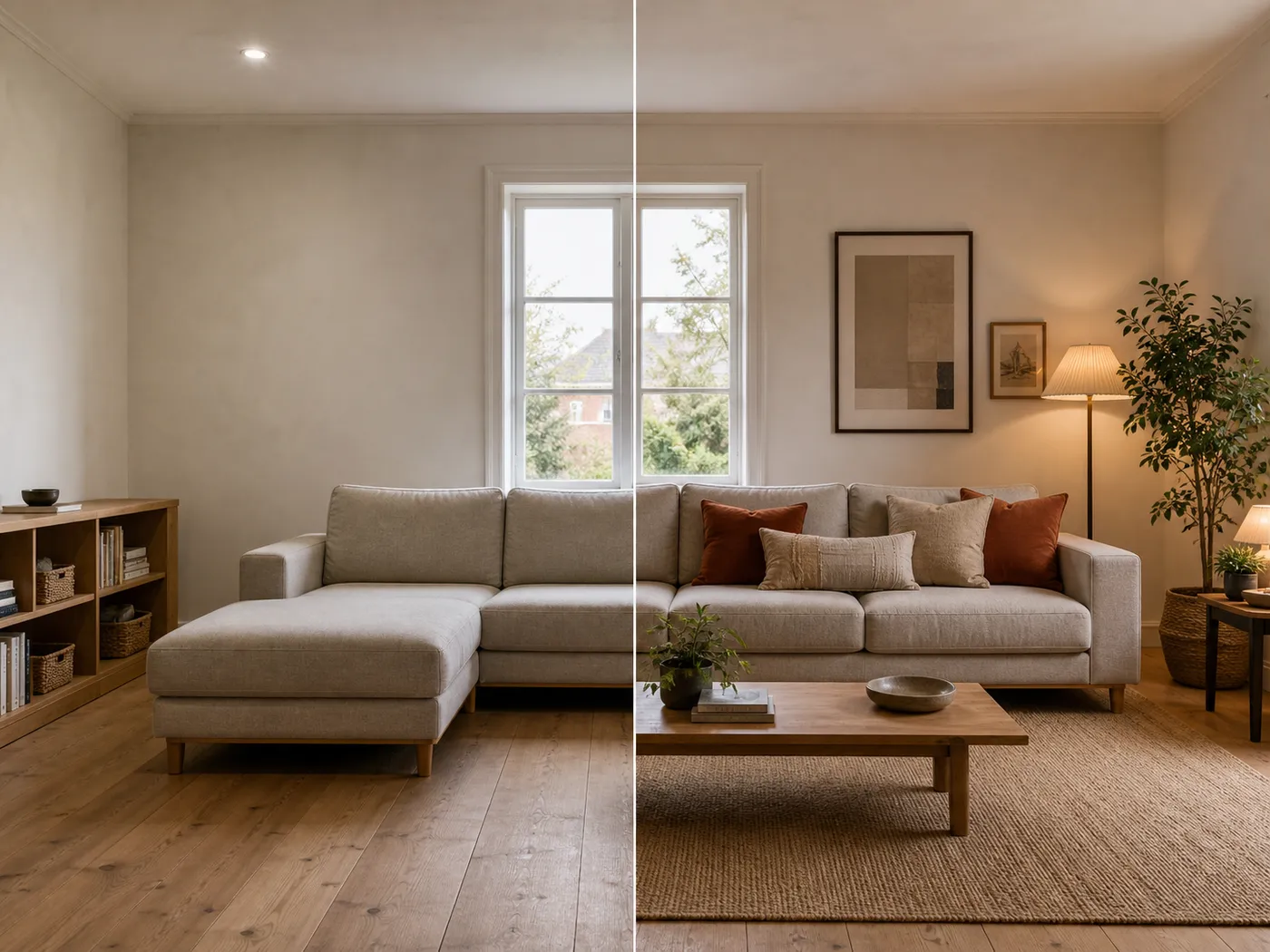
Finish the room you have
Ask for decoration and the room keeps its furniture. Textiles, lighting, art and decor are added, and a piece of furniture only where one is missing.
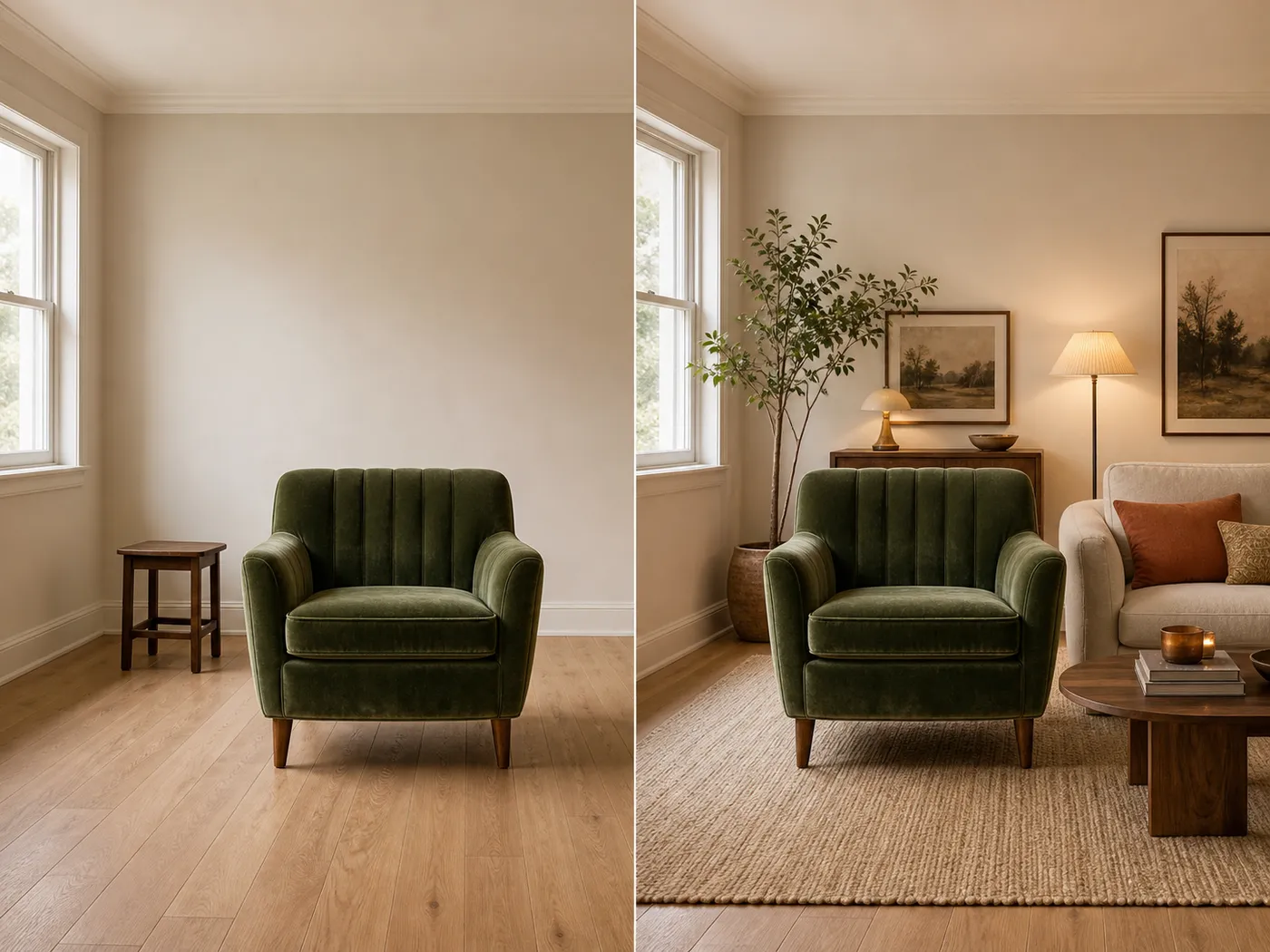
The pieces you love stay
Pin a sofa, a material or a palette with up to four reference images, or name it in the note. Keep the armchair means the armchair stays.
Styled to the room it is
Eight named styles, plus Auto, which keeps the result warm and neutral. Try two on the same upload and compare them in your library.
HOW IT WORKS
How to use AI for interior design, in three steps
Upload a photo of the room, pick the room and the look, and download the result. Nothing to install.
Upload a photo of your room
Drag in a photo of the room as it looks today. A shot from the doorway works best, and one upload covers every look you try.
JPG, PNG or WEBP up to 12 MB
Pick the room and the look
Pick the room type, pick a style, and add a sentence if there is something you want kept.
Usually under a minute
Download it, or run it again
Compare it with the original using the slider, then download it. Not right? Pick another style and run the same photo again.
Yours to use commercially
AI room design free, then 5 credits a photo
Sign up, get 5 free credits, and restyle your first photo.
Eight types of interior design styles, or Auto
One living room, nine looks. Each one is a preset in the workspace, applied to your own photo.
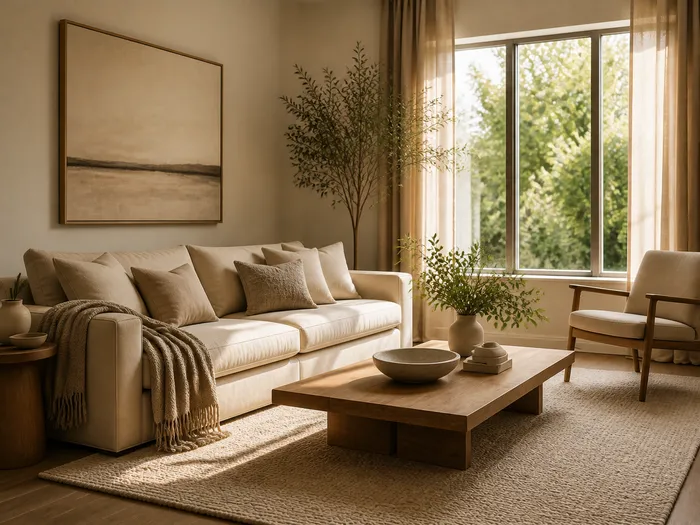 No Style Preset
Warm, neutral and broadly appealing, so nothing about the room commits to one taste. The default for a reason.
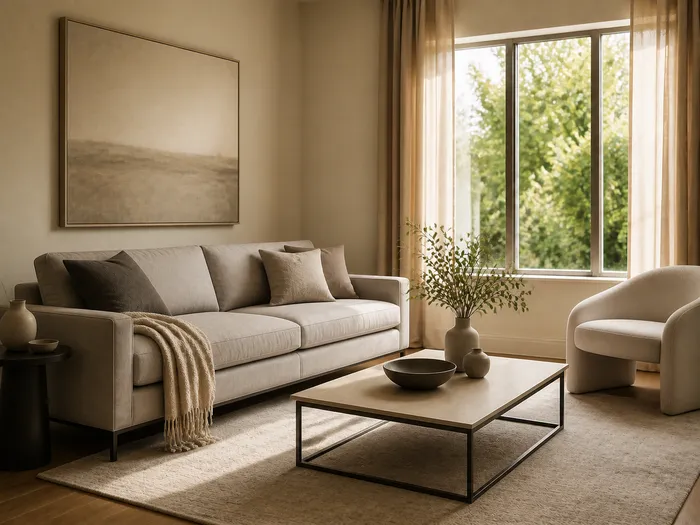 Modern
Clean lines, restrained colour, uncluttered surfaces.
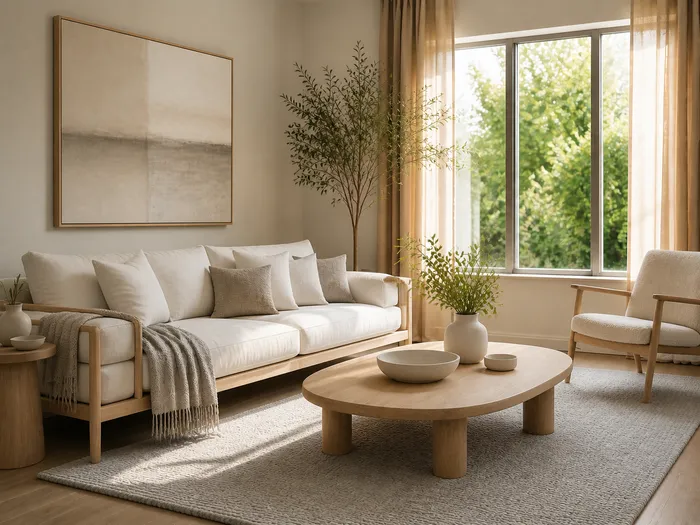 Scandinavian
Pale woods, soft textiles, white and grey, plenty of visual air.
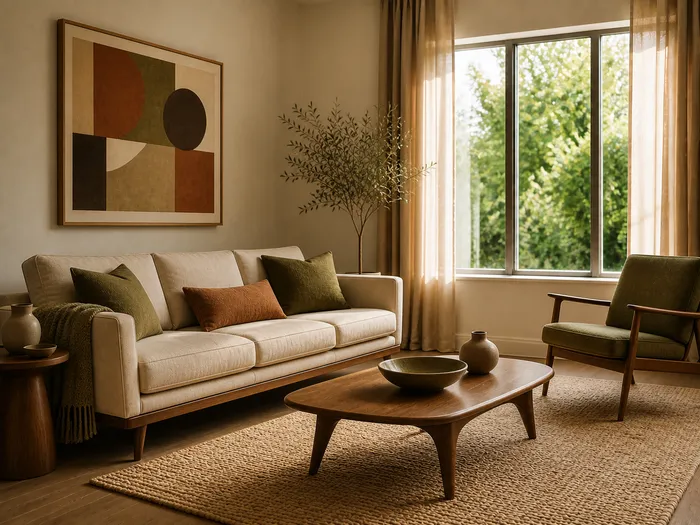 Mid-century
Warm woods, tapered legs, muted olive and rust accents.
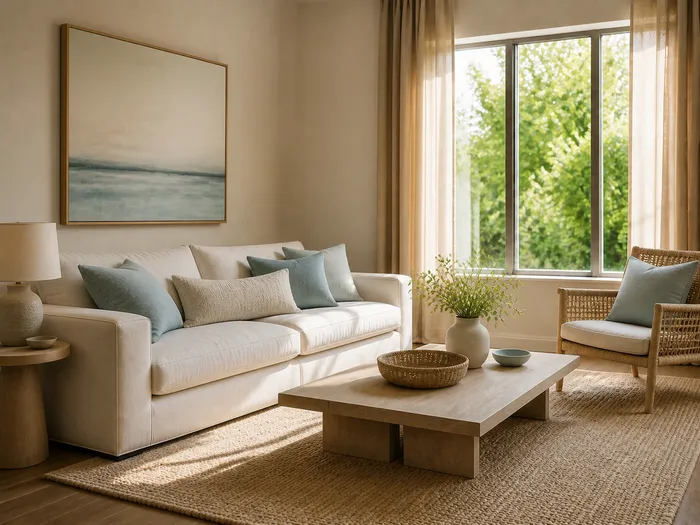 Coastal
Light woods, off-white and sea blue, natural fibres, an airy feel.
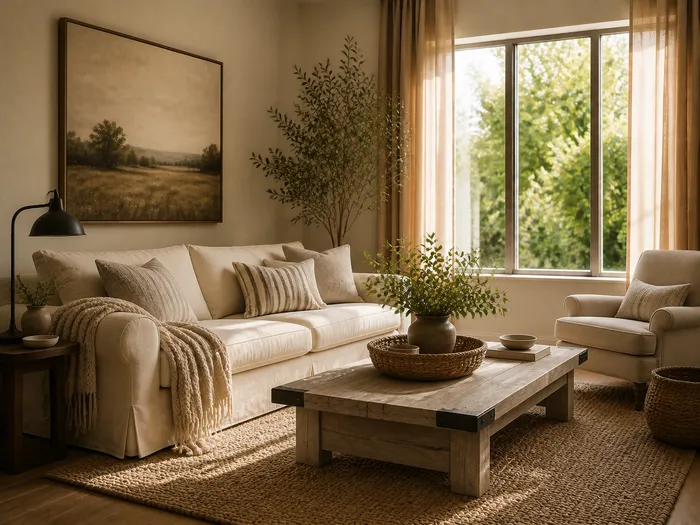 Farmhouse
Painted timber, black metal accents, woven textures, a lived-in warmth.
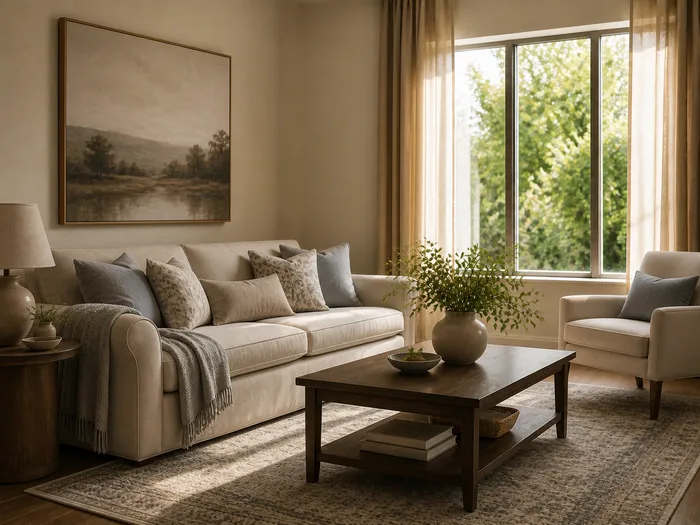 Transitional
Classic shapes in current colours, neither ornate nor stark.
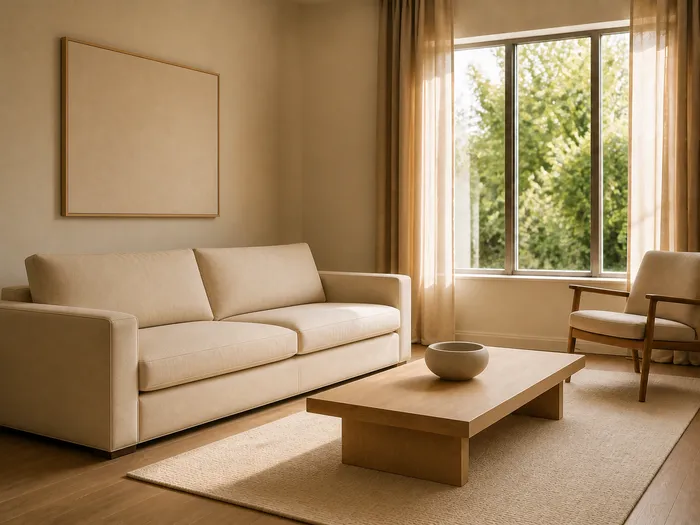 Minimalist
Few pieces, generous empty floor, one quiet accent at most.
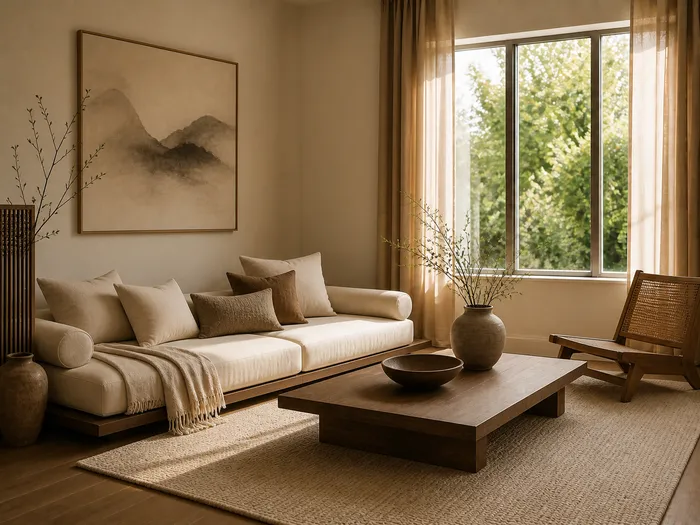 Japandi
Japanese restraint with Scandinavian warmth, low furniture, cream and clay tones.
Pick one, or try three on the same photo and compare. Plans start at $19.99 a month when the free credits run out.
See pricingNot sure which one? Read the guide to interior design stylesAI interior design FAQ
- Yes. Signing up gives you 5 credits, one photo costs 5, and free accounts refresh to 5 every month. Plans are on the pricing page.
- Generating needs an account, so your credits and your library have somewhere to live. Signing in is one Google click.
- A filter recolours the photo. This generates new furnishing into the same room, which is also how it can furnish an empty one.
- Yes, one photo is all it needs. Pick the room type or leave it on Auto, pick a style, and run it.
- Yes. The camera, walls, floors, windows, doors and built-ins stay where they are, and the light keeps its direction. Only the furnishing and finish change, so what you buy afterwards fits.
- Yes. One upload covers every style you try, and every result stays in your library so you can compare them. If you are not sure which three to start with, the guide to interior design styles shows all eight on one room and walks through a three style test.
- By what the room is for: seating around a focal point in a living room, the bed as the anchor in a bedroom, a table with chairs that can be pulled out in a dining room. To keep a specific piece, pin it with a reference image or name it in the note.
- Not for wall paint. Walls, floors and ceilings keep their material and colour; the restyle is in furnishing, textiles and decor. For paint, a paint brand's visualizer is the better tool.
- The one that keeps your room recognisable. Run the same photo here and in another tool, and look at the walls and windows first, then the sofa.
- The workspace runs in the browser on a phone or a laptop. There is nothing to install.
- Usually under a minute. The workspace shows the elapsed time while it runs.
- JPEG, PNG or WebP up to 12 MB, straight from a camera or a phone. One upload covers every look you try.
- The credits are refunded automatically.
- Yes. Your library is private to your account, and nothing is shared or public. Deleted images go to the recycle bin, where you can restore them.
Try free AI room design on one photo of your room
Upload the room as it looks today and see it restyled.