 domicco
Virtual Staging, before and after
A real result from this tool. Drag the handle, then upload your own.
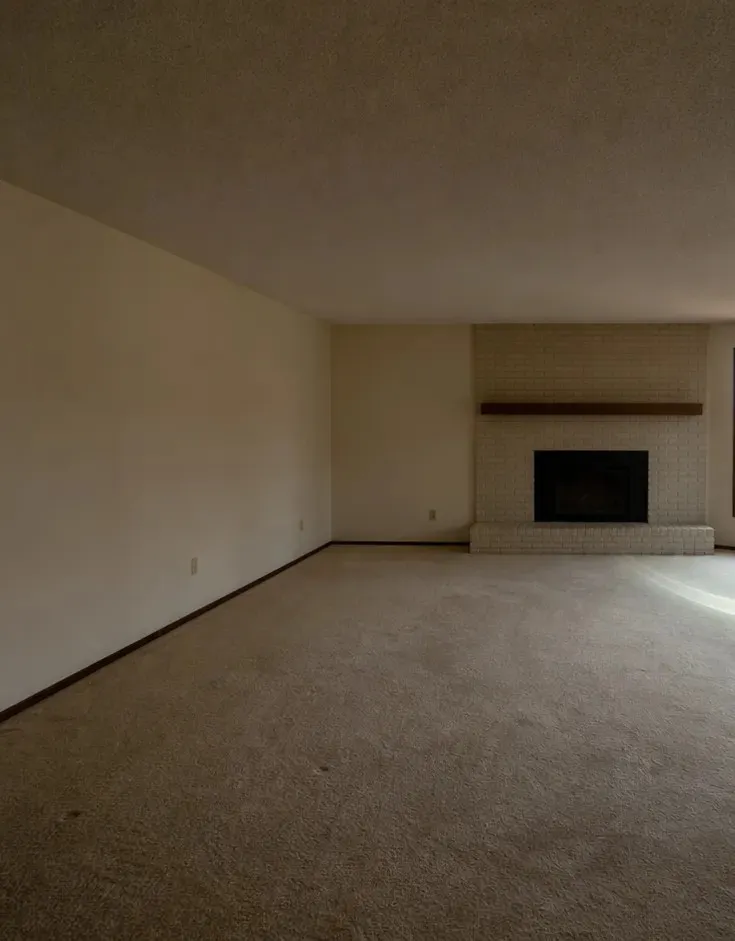
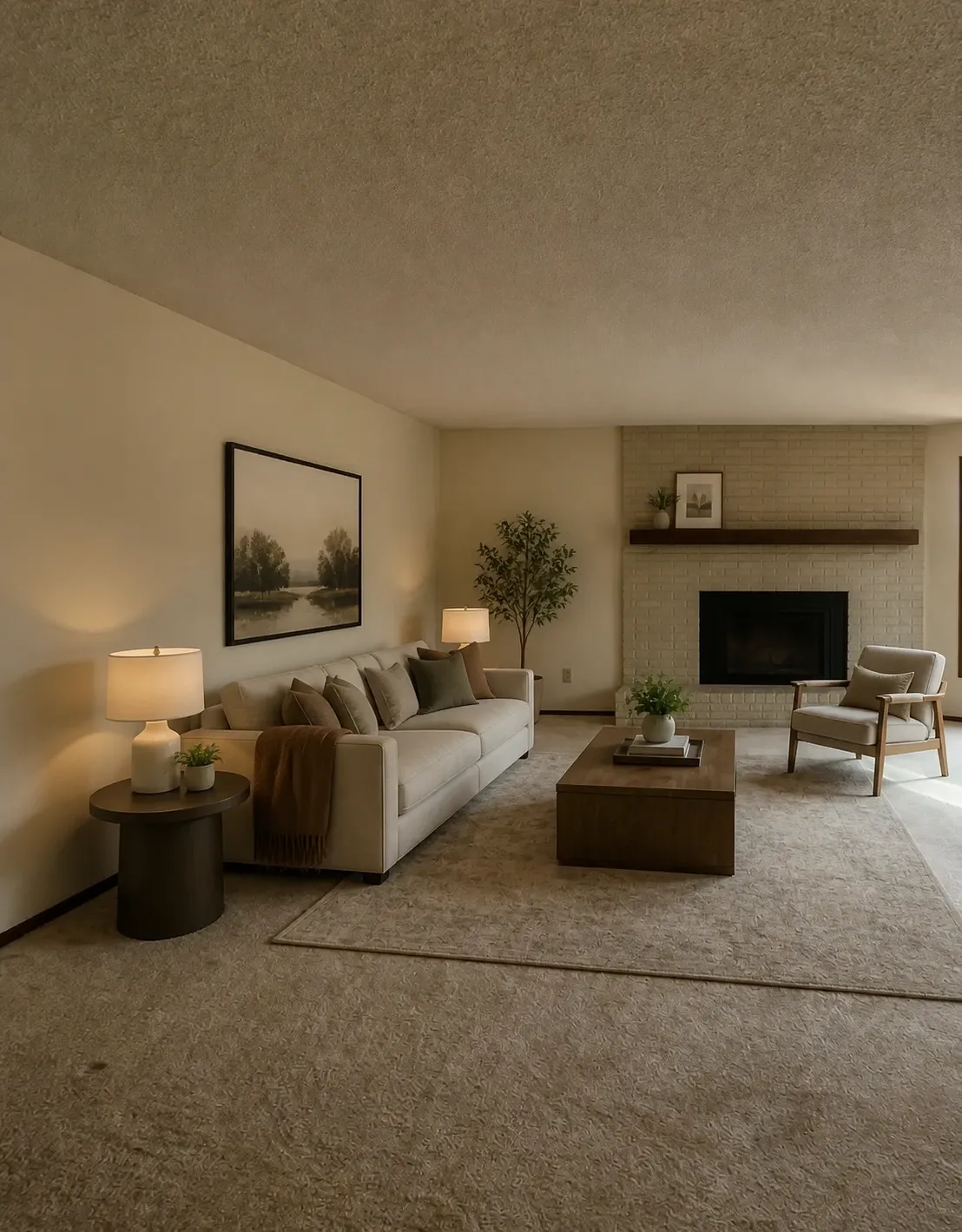
AI virtual staging for listing photos
Free virtual staging for your weekly listings: only the furnishing changes, and the photo itself is untouched.
AI virtual staging for real estate agents, at listing volume
Empty rooms photograph badly and sit in the feed beside furnished listings. Staging the photo takes a minute per room, with no furniture to rent.
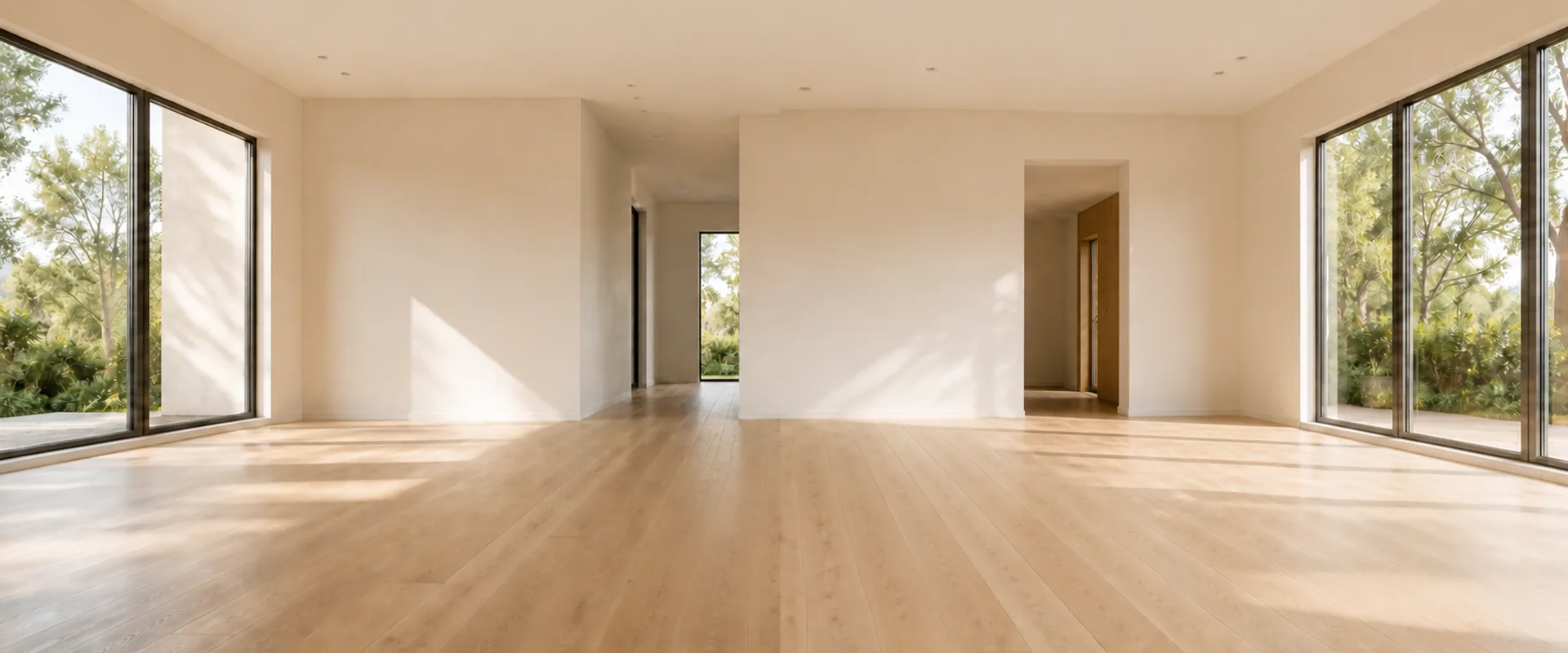
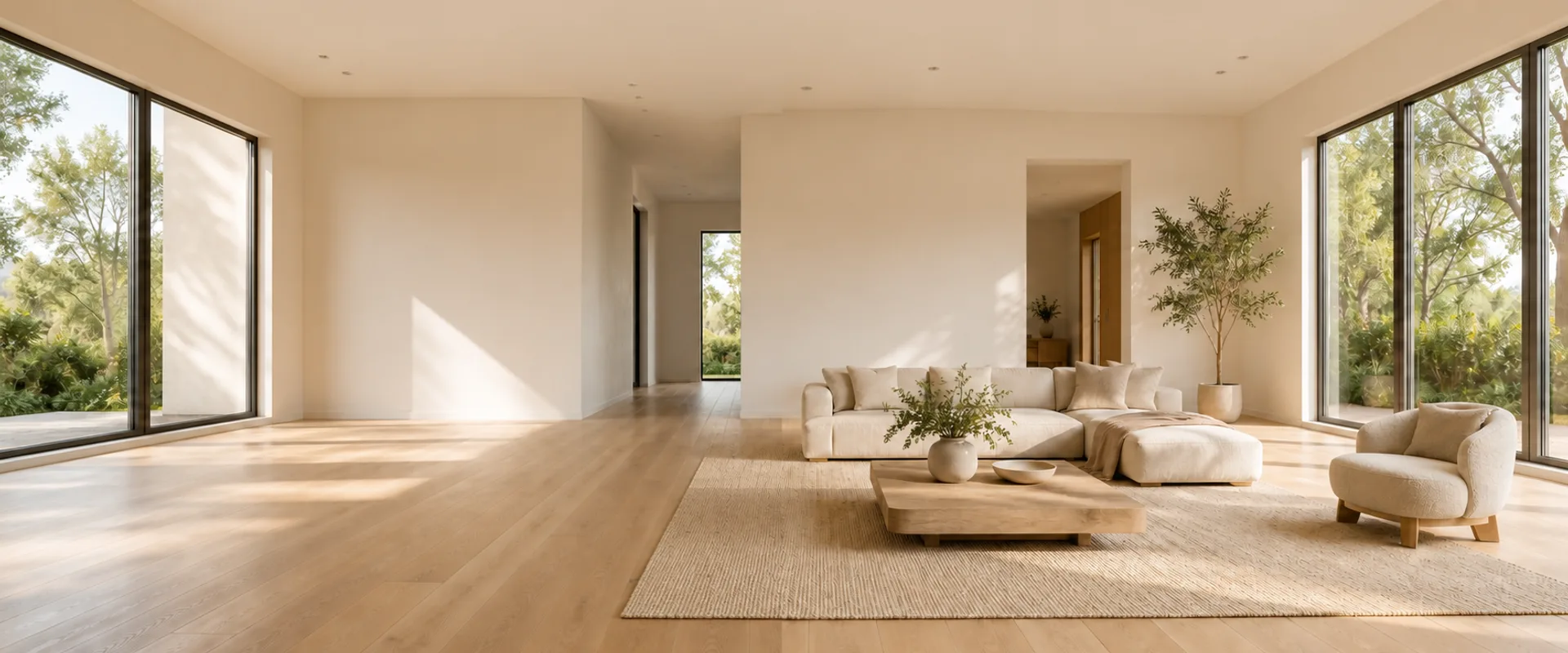
AI virtual staging software for realtors
You run it yourself in the browser, the day the photos come back. Pick the room and the style, and the staged photo is back in under a minute.
Virtual staging for real estate listings, ready to publish
The staged shot keeps the camera position and perspective of your original, so it sits naturally in the photo set. What buyers see in the photo matches what they see on the walkthrough.
Real estate photography virtual staging, delivered to clients
You shot the listing. Staging the empty rooms is one more deliverable in the same set.
Your framing survives
The staged photo keeps your camera position, perspective and light. The client gets back your photograph, furnished.
Ships with the shoot
A staged version comes back in under a minute per photo, so the furnished set goes out with the original delivery.
A cost you can quote
Every photo costs the same, so a staging add-on can be priced before the shoot.
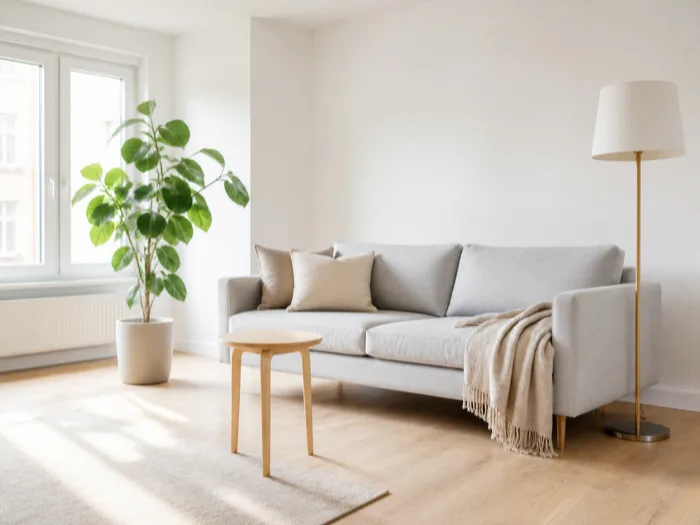
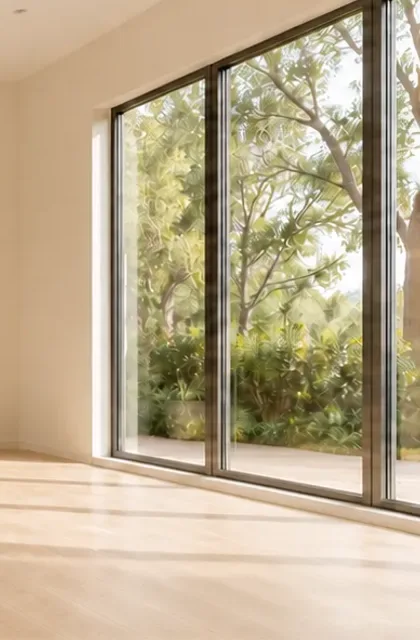 Empty
Empty Staged
AI powered virtual staging that leaves the room alone
Only the furnishing layer of the photo is edited. Camera position, walls, windows, floor and light are kept, and the sofas, rugs, lamps and decor are generated into place.
- Camera position and lens perspective
- Walls, windows and doors
- Flooring and ceiling
- Natural light and its shadows
Only the furnishing is generated: sofas, rugs, lamps and decor.
HOW IT WORKS
How to do virtual staging with AI, in three steps
Upload the listing photo, pick the room and the style, and download the staged shot. Nothing to install.
Upload a photo
Drag in the listing photo you already shot. A shot from the doorway stages best, and one upload covers every look you try.
JPG, PNG or WEBP up to 12 MB
Generate
Pick the room, pick a look, and add a sentence if there is something to keep.
Usually under a minute
Download it, or run it again
Compare it with the original using the slider, then download it at the shape your portal wants. Not right? Pick another look and run it again.
Yours to use commercially
AI virtual staging examples, room by room
Every room in a listing, with the two buyers ask about most first.

AI virtual staging for the bedroom
The bed sets the scale, so a buyer reads the room's size at a glance.

AI virtual staging for dining rooms
A table and chairs show where dinner happens and how much room there is for it.

Living room
A sofa and chairs turn open floor into a clear gathering space.
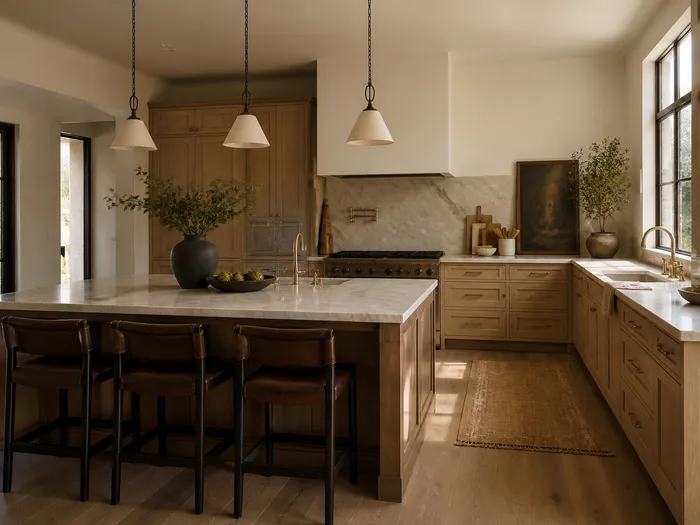
Kitchen
Clear counters, stools and a little greenery show the kitchen's workspace.
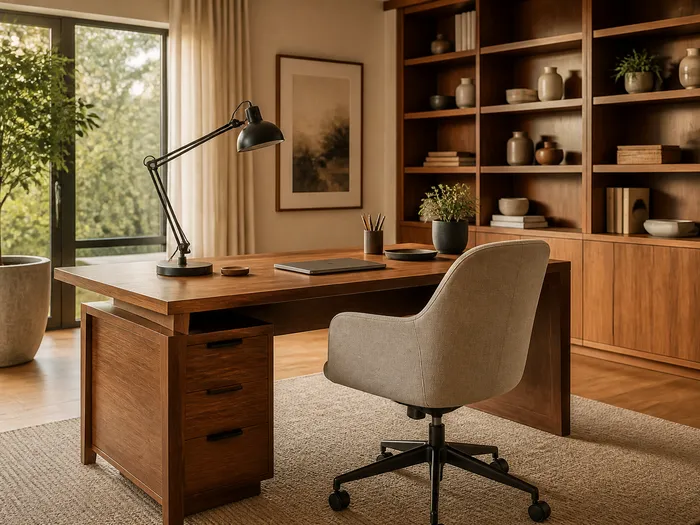
Home office
A desk and chair give the spare room a purpose.
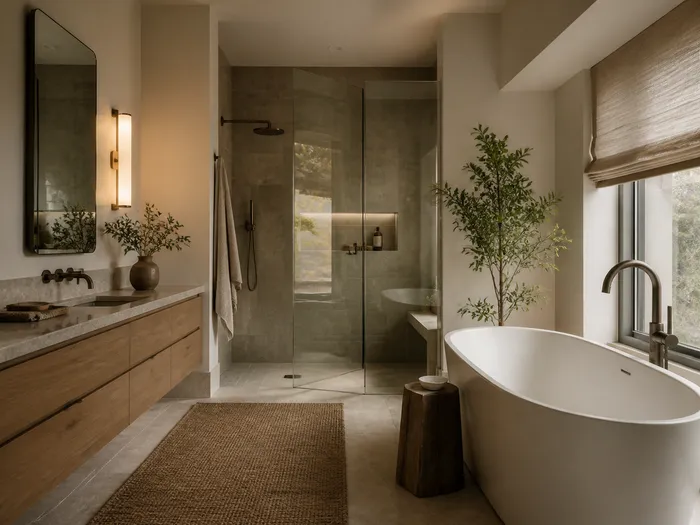
Bathroom
Clear surfaces, fresh textiles and greenery, with every fixture unchanged.
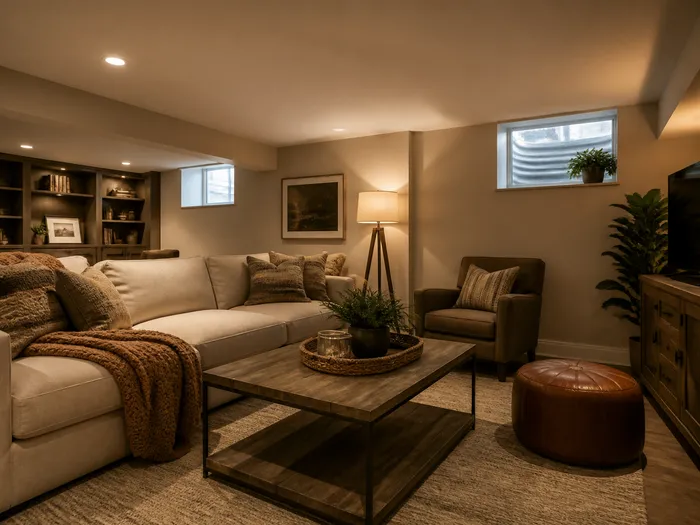
Basement
A sofa and rug turn an empty basement into living space.
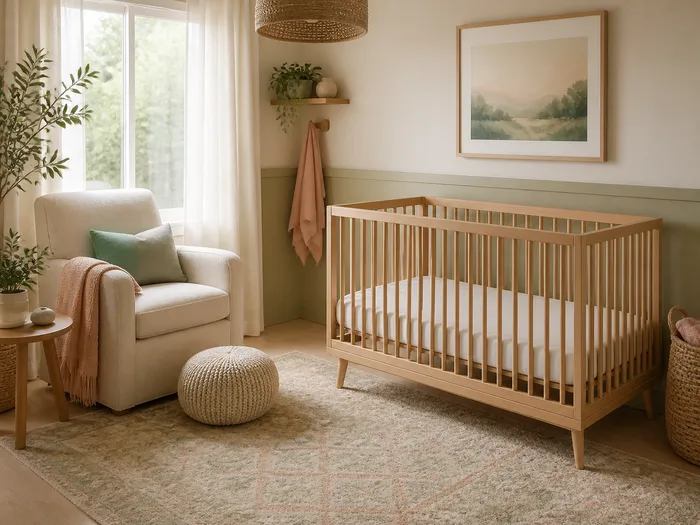
Nursery
A crib and changing table show where the newest family member fits.
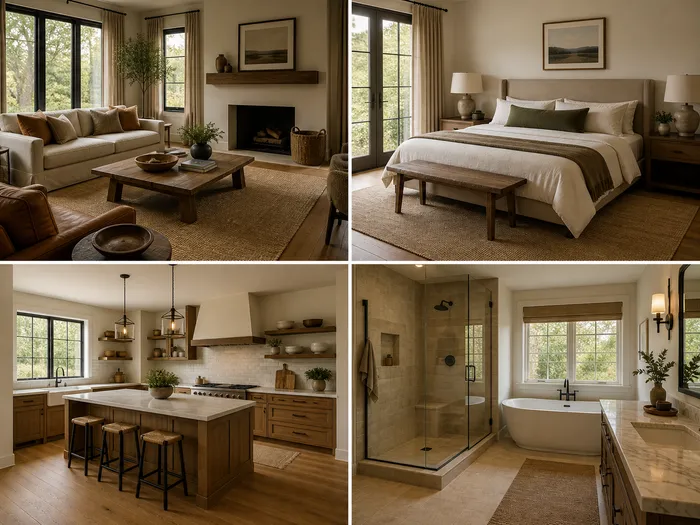
Auto Detect
The room type is read from the photo, so a full set of listing photos goes through without labelling each one.
What makes the best virtual staging app for repeat work
A tool you will run on every listing has to hold up on four things.
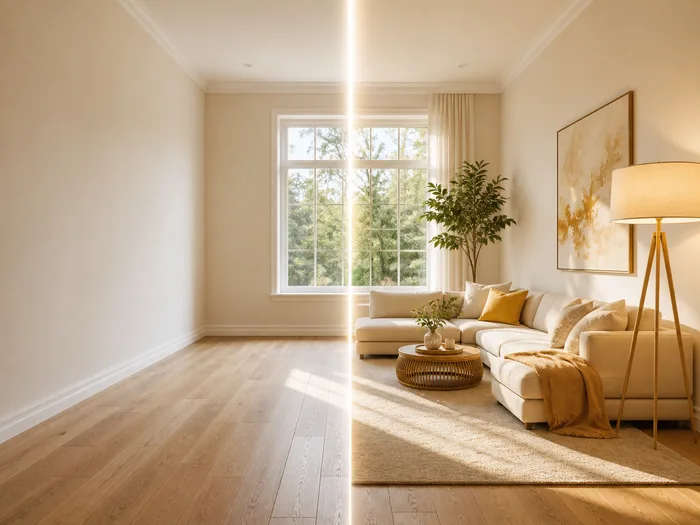
Only the furnishing changes
Sofas, rugs and lamps are generated into the photo you shot. The window crops above show it on real frames.
Under a minute a photo
A staged photo comes back in under a minute, so it goes out in the same delivery as the shoot.

One flat price per photo
Every run costs the same, whatever the room or the style, so a staging line item can be quoted before the shoot.
Runs in your browser
Nothing to install and nothing to schedule.
Is virtual staging worth it for weekly listings
A staged photo costs about 20 cents on the Starter plan and comes back in under a minute. An empty room is the photo a buyer scrolls past.
Run the look again
Run the same photo in another style until the listing reads right.
No rental clock
Generated furnishing has no delivery, no pickup and no monthly furniture bill attached.
One credit ledger
One set of credits covers staging, decluttering and redesign.
AI virtual staging software FAQ
- Furnishing a listing photo digitally, with no real furniture to rent or move. Here the AI generates sofas, rugs and lamps into the photo you upload, and the camera position, walls, windows and light stay as shot.
- Two: services where a stager edits your photo on their schedule, and software you run yourself. Domicco is the second kind.
- Yes. Signing up gives you 5 credits, one photo costs 5, and free accounts refresh to 5 every month.
- A furnished photo shows a room's size and use, where an empty one leaves the buyer to guess. No one can promise a faster sale from staging alone.
- Yes. Upload the photo, pick the room and the style, and download the result.
- Yes. It runs entirely in the browser, and your photos stay private to your account.
- No. Only the furnishing layer is edited. Camera position, walls, windows, floors and light stay as shot.
- Living room, bedroom, kitchen, dining room, home office, bathroom, basement and nursery, plus Auto Detect, which reads the room type from the photo.
- Every photo is 5 credits whatever the room or style. On the Starter plan that is about 20 cents a photo, on Studio about 9 cents.
- Yes. Your framing and light survive, and paid plans and packs include a commercial licence that covers client work.
- Disclosure rules belong to your MLS and market, and many require labelling staged photos, so check yours. This is not legal advice.
- The room presets are residential, so homes are where it works best. Offices and retail spaces can be tried, with less predictable results.
Try AI virtual staging on your next listing
Upload the photo you are listing this week and see it come back furnished.