 domicco
AI Exterior Design, before and after
A real result from this tool. Drag the handle, then upload your own.
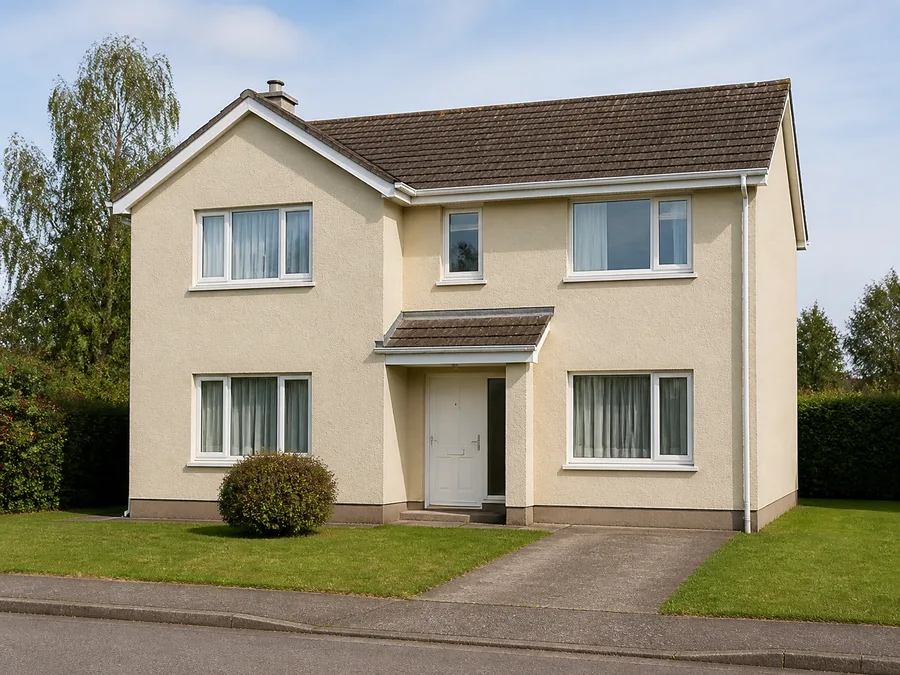
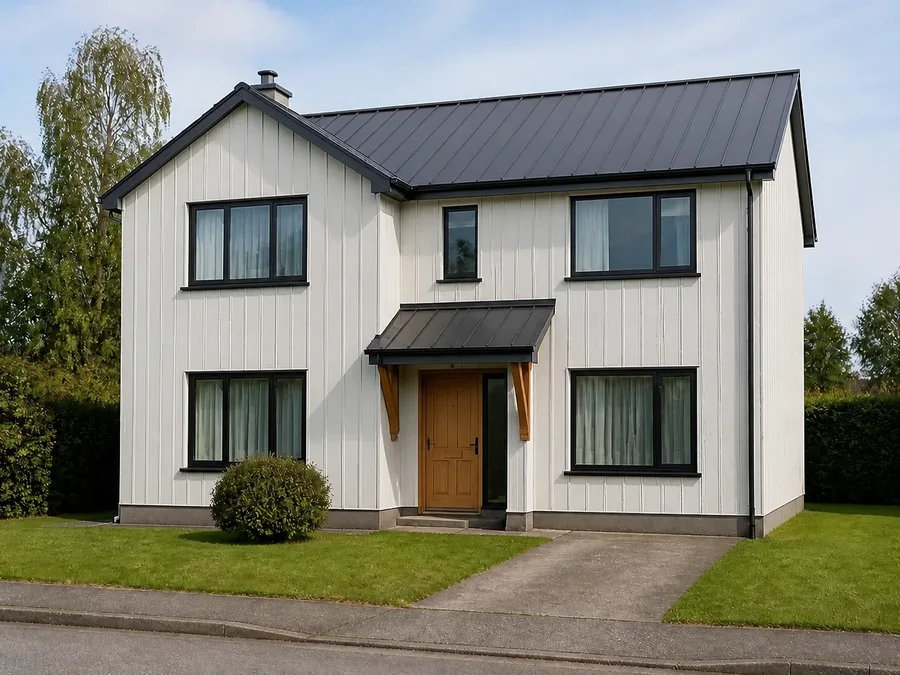
AI home exterior design from one photo of your house
Try new cladding, colour and trim on your own house before a contractor is called. The footprint, roofline and every window and door stay where they are.
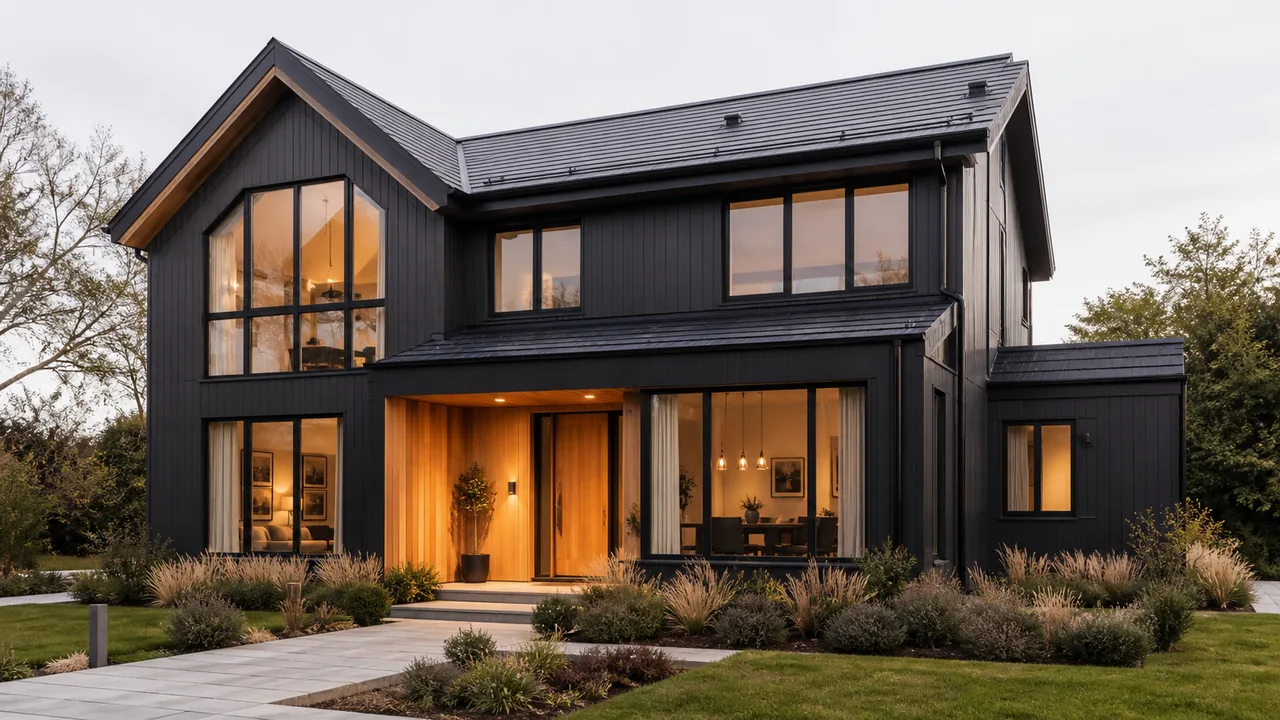
AI house exterior design, on the house you already own
Your house, photographed from the street, with the same drive, trees and neighbour's wall still in it. What changes is the envelope: the parts a contractor could actually change.
Free AI house exterior design covers your first photo, and every further version costs the same, so trying six finishes is no harder than trying one.
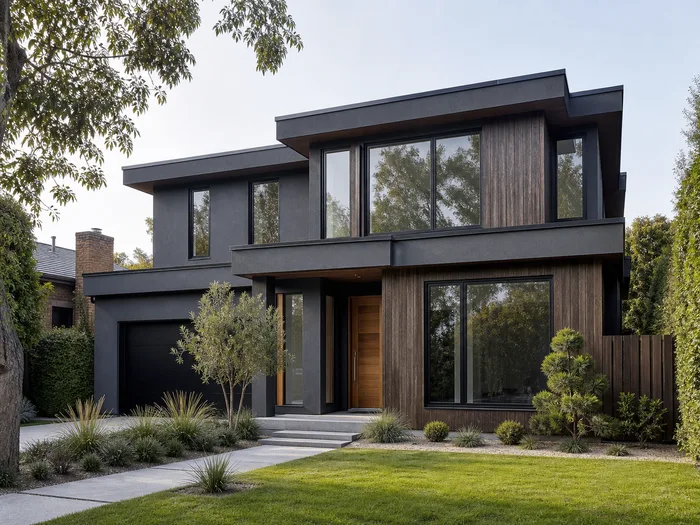
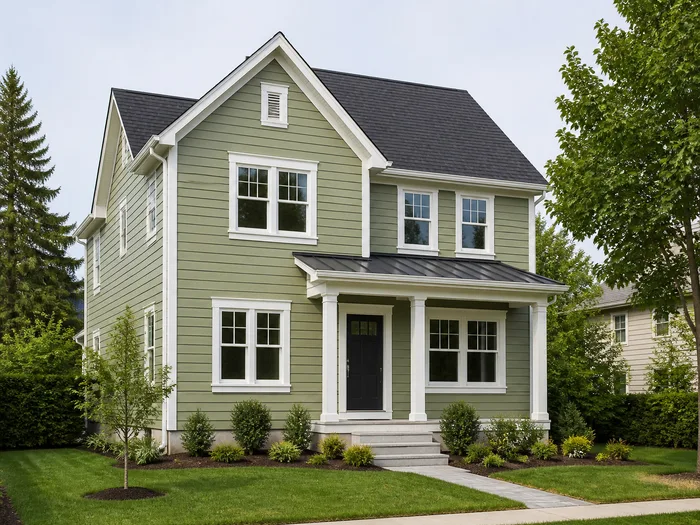
An AI exterior paint visualizer for the colour you keep arguing about
A paint chip held against the wall is two inches across and in the wrong light. Exterior house paint AI puts the colour on the whole facade, in the daylight your photo was taken in, with the roof and the trim you actually have.
Free exterior paint visualizer, on your own wall
Upload the house, pick a colour, and see it on the whole facade before you buy a tin.
A free house paint visualizer that keeps the trim
Window frames, gutters and the door keep their positions and proportions unless you ask otherwise.
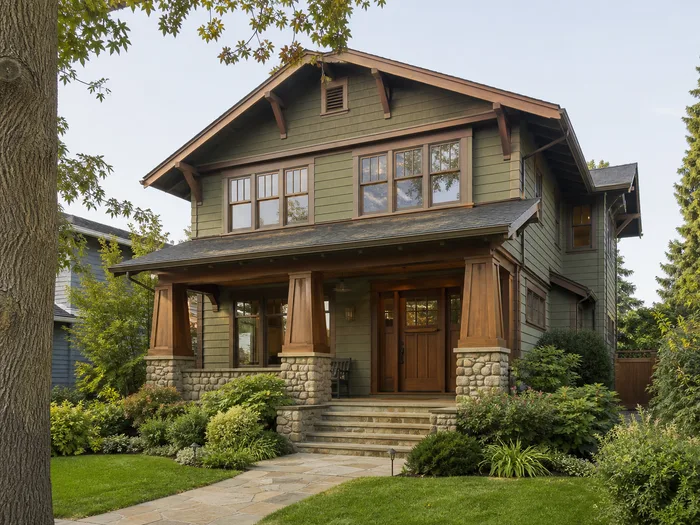
Remodel the outside of the house with AI before you commit
An exterior remodel is usually decided from a drawing. Seeing it as a photograph of your own house first is the cheapest step in the project.
Every change stays buildable: materials that exist, colours a supplier can mix, details a contractor can install. No storeys are added and no window moves.
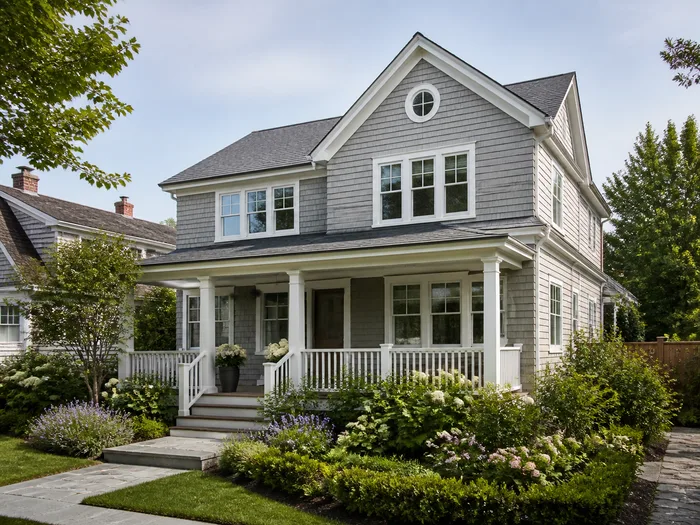
Why an AI app for exterior home design beats a mood board
A mood board is a folder of other people's houses, with a different roof pitch, different windows and the driveway on the other side.
AI apps for exterior home design show the finish on your house, so you can hand the picture to a builder and get a quote on it.
Free AI exterior home design to start, then 5 credits a photo
Signing up gives you 5 credits and one photo costs 5, so the first photo of your house is covered, and free accounts top up every month.
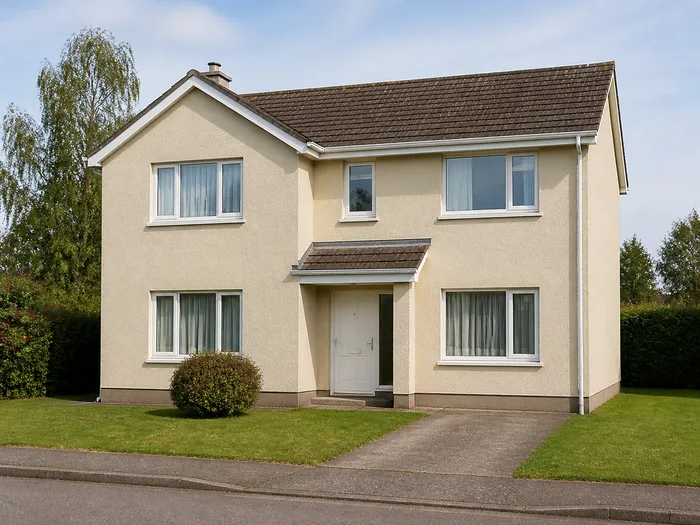
HOW IT WORKS
Upload a photo and get the exterior back designed, in three steps
Nothing to install. A shot from the pavement with the whole facade in frame is all it takes.
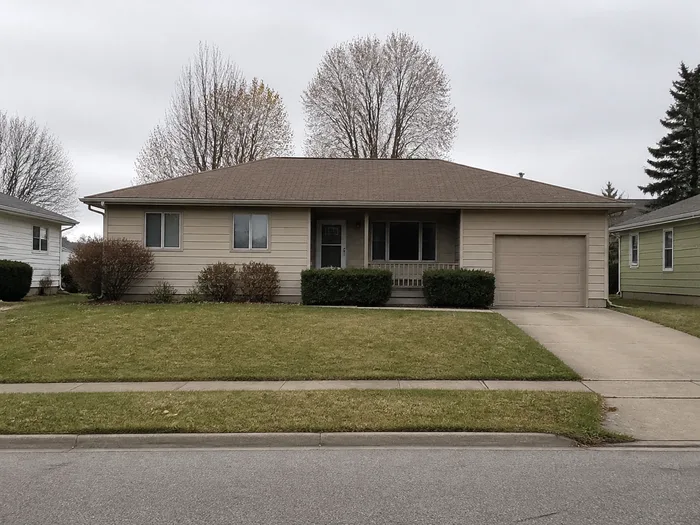
Upload a photo of your house
A straight-on or three-quarter view from the street with the whole facade in frame, in ordinary daylight. One upload covers every finish you try.
JPG, PNG or WEBP up to 12 MB
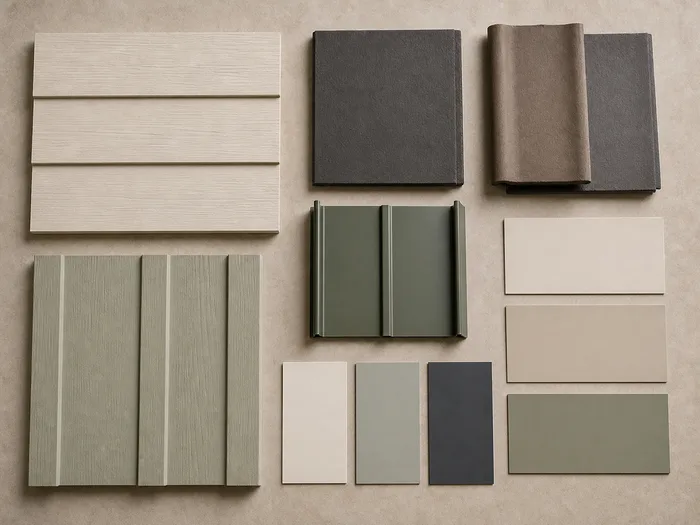
Pick the building and the style
Pick the building type, pick a finish, and add a sentence if there is something you want kept. Attach a cladding or a colour you have already chosen as a reference.
Usually under a minute
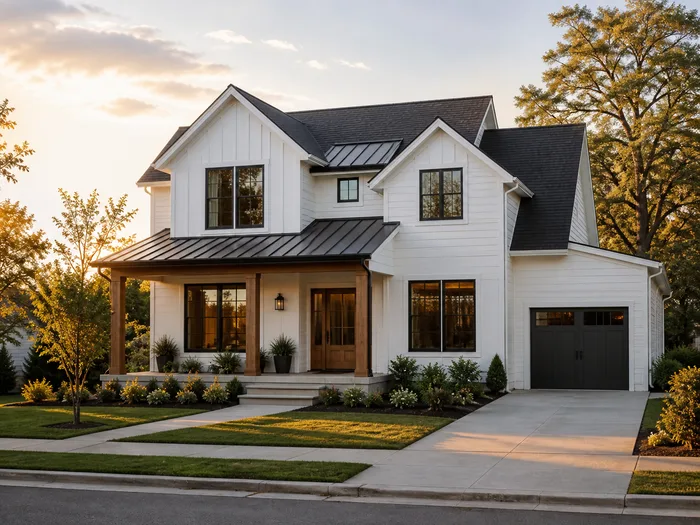
Download it, or run it again
Compare it with the original, then download it for the quote. Not right? Pick another finish and run it again.
Yours to use commercially
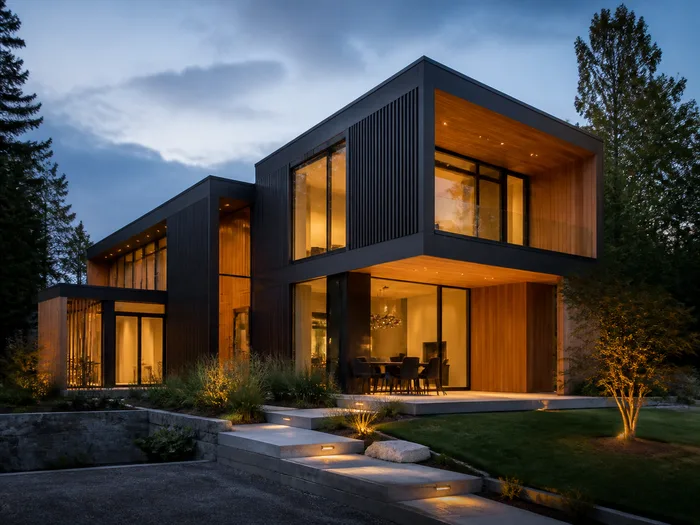
An AI exterior design generator that stays inside what you can build
Ten style presets, from contemporary and modern farmhouse through colonial, Mediterranean, craftsman, ranch, Tudor, industrial, Victorian and luxury modern, or no preset at all.
Each preset names materials: board-and-batten, standing seam metal, clay tile, half-timbering over render. What a free AI exterior design generator produces has to be orderable, and every preset here is written to that.
AI home exterior design FAQ
- Browsing is open. Generating needs an account, because credits attach to one, and signing up covers the first photo.
- Put your own house through it and check what did not move: the footprint, the roofline, and the position and size of every window and door. The driveway and the neighbour's wall should still be there too.
- The visible envelope: cladding, render, brickwork, paint, roofing, trim, gutters, the front door and the garage door. Nothing structural: no added storeys, extensions or new openings.
- No. Sky, season, time of day and light stay as photographed, and so do the street and the neighbouring houses.
- Yes. It runs in the browser with nothing to download, and free accounts get credits every month.
- A detached house, an apartment building, a villa, a cottage or cabin, or a townhouse, or just the porch or the roof. Pick the building type or leave it on Auto Detect.
- Contemporary, modern farmhouse, colonial, Mediterranean, craftsman, ranch, Tudor, industrial, Victorian and luxury modern, or no preset. Each names materials a supplier can actually order.
- Yes, attach up to four reference images. A close crop of a cladding or a brick contributes that material; a whole building contributes its palette. A reference never adds a feature your house does not have.
- A straight-on or three-quarter view from the street with the whole facade in frame, in ordinary daylight. JPG, PNG or WEBP up to 12 MB.
- Usually under a minute, and every photo costs the same 5 credits whatever you ask for.
- Run the same photo again with a different style. Every version stays in your library, so you can put them side by side.
- Yes. The output is yours to use commercially.
Try free AI home exterior design on one photo of your house
Upload the photo you took from the street and see the house refinished.